Your customers order on their own, at their own prices.
Give every business customer their own ordering portal with your catalog at their prices, in English or Spanish. Orders arrive in TranzSuite like any other, go through the same approvals and take stock from the same warehouse.
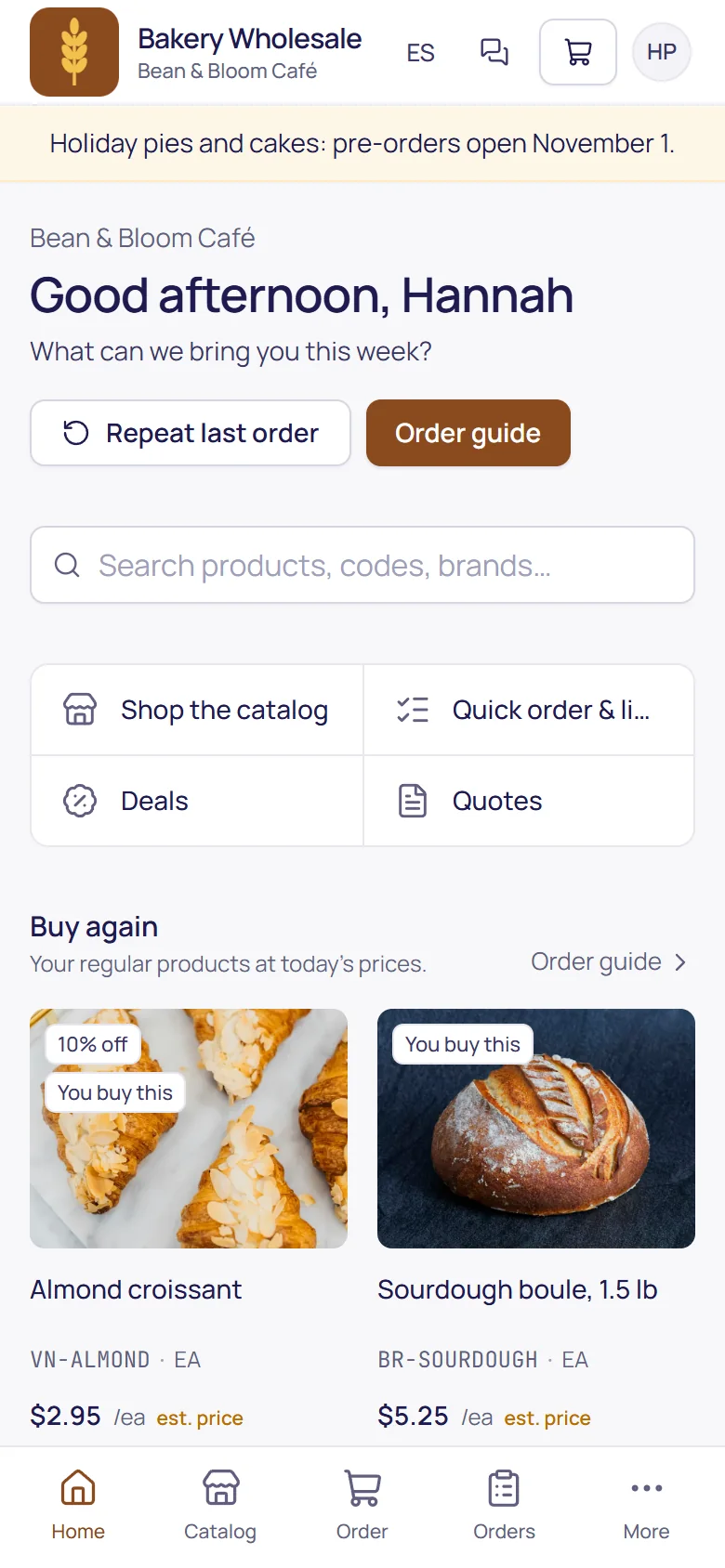
Their catalog, their prices
Each customer sees your products with its own price list and special prices, and its usual order ready to adjust.
- Their usual products ready to adjust, or the last order again in one tap.
- One login for several locations, with a switch for which one they're ordering for.
- Delivery or pickup at checkout, if you offer both.
Long orders without the scrolling
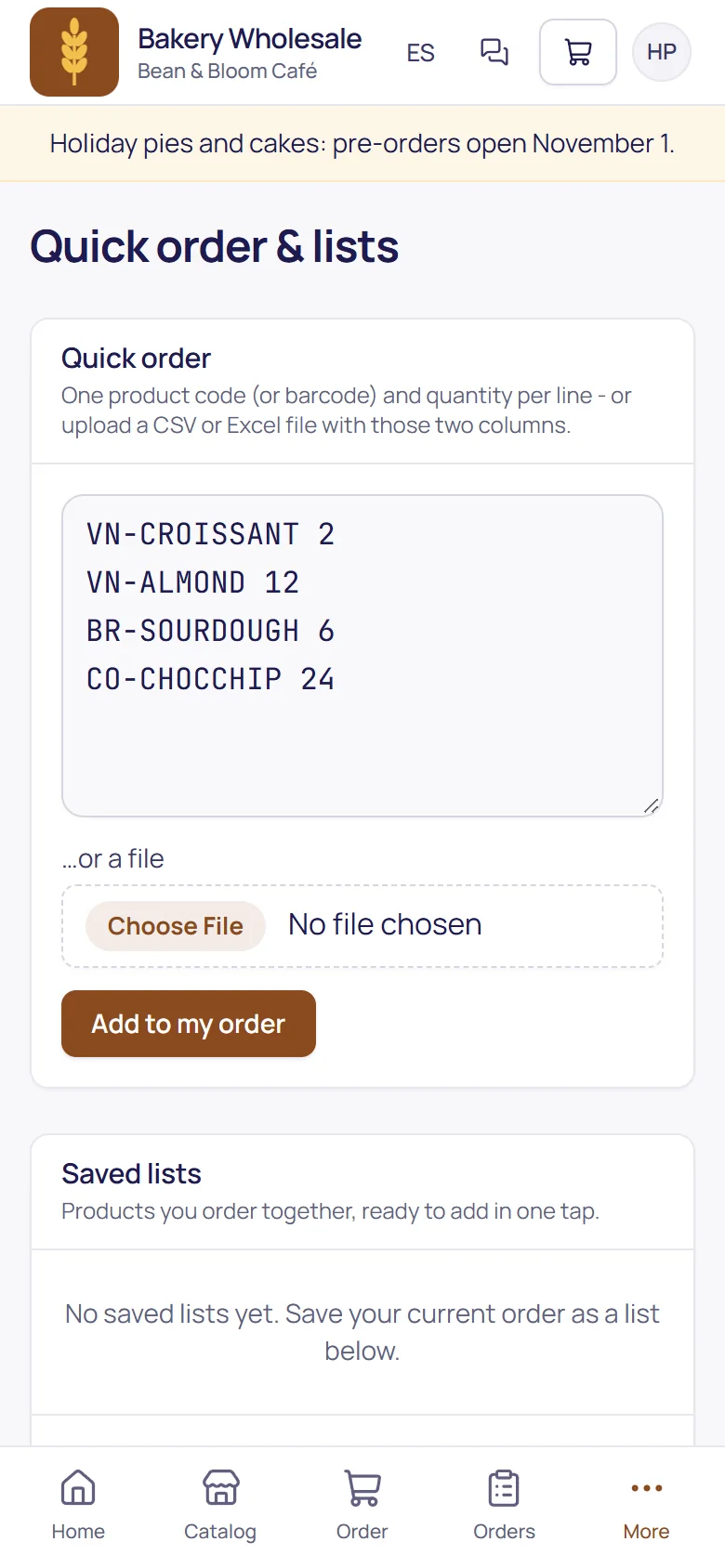
Buyers who know their codes type or paste them with quantities, or upload the order as a CSV or Excel file. Codes that don't match are listed, not silently dropped.
- By product code or barcode, one line each.
- From a file: a CSV or Excel sheet with code and quantity.
- Saved lists for the orders they place again and again.
Quote requests, priced by your office
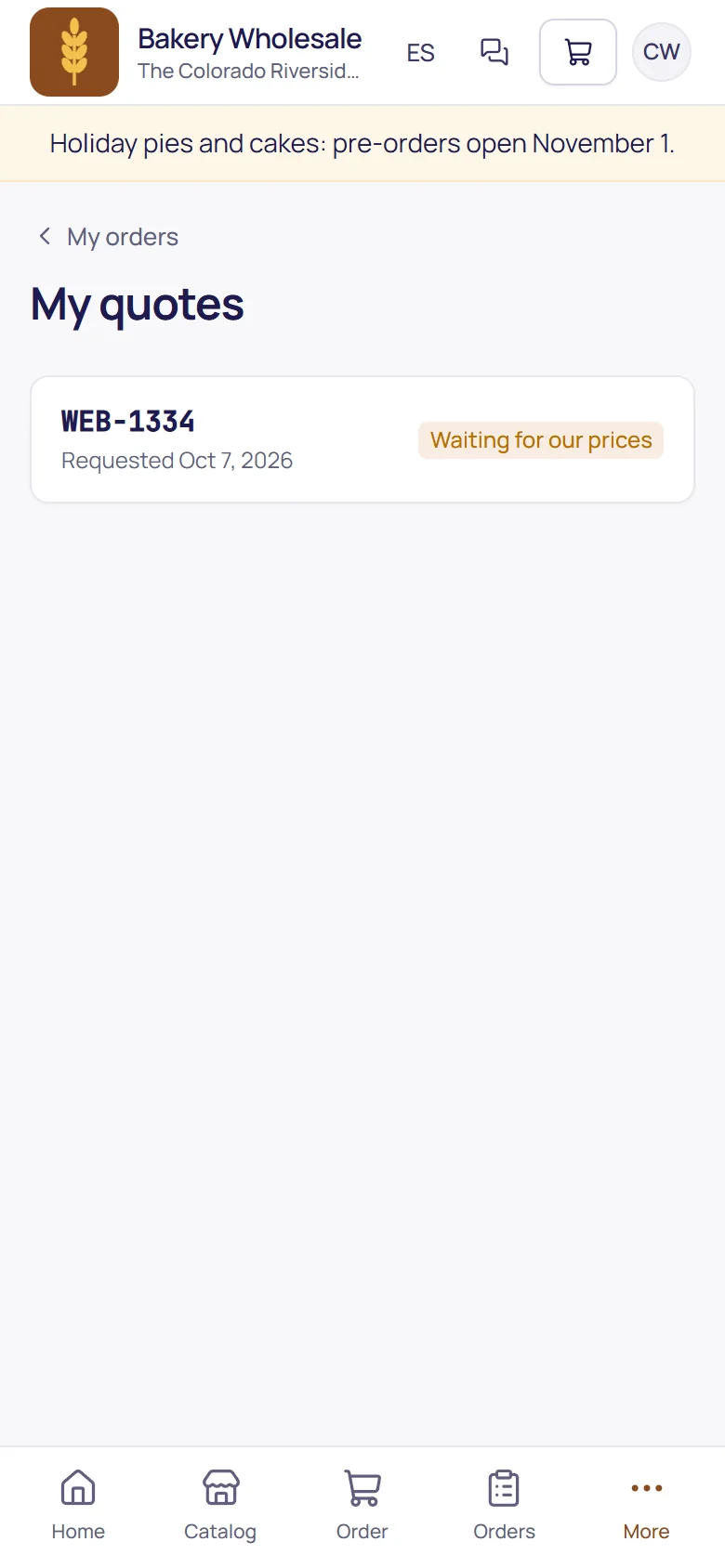
For a big or unusual order, the buyer asks for a quote at checkout. Your office prices each line with a validity date, and the buyer accepts it in the portal.
- Priced line by line by your staff, with an expiry date.
- Accepted by the buyer, and the order is placed at exactly the quoted prices.
- Expired quotes can't be accepted.
Many buyers, one account, your rules
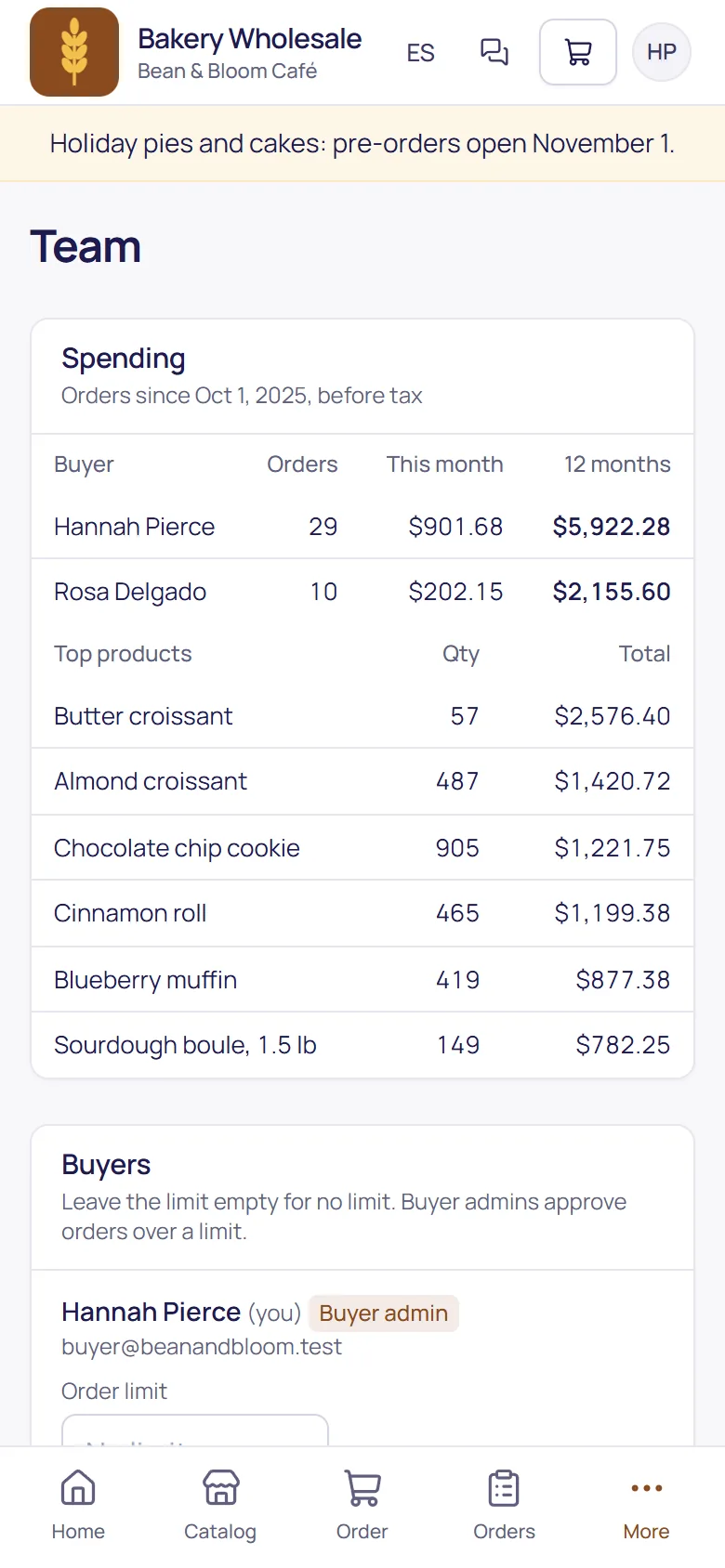
A buyer admin at your customer invites their colleagues and sets an order limit for each. Orders over a buyer's limit wait for the buyer admin to approve them.
- Buyer admins invite buyers and switch logins off when people leave.
- Per-buyer order limits, with approval by the buyer admin.
- Your own approvals still apply after theirs, when an order needs them.
The weekly order, ready when they are
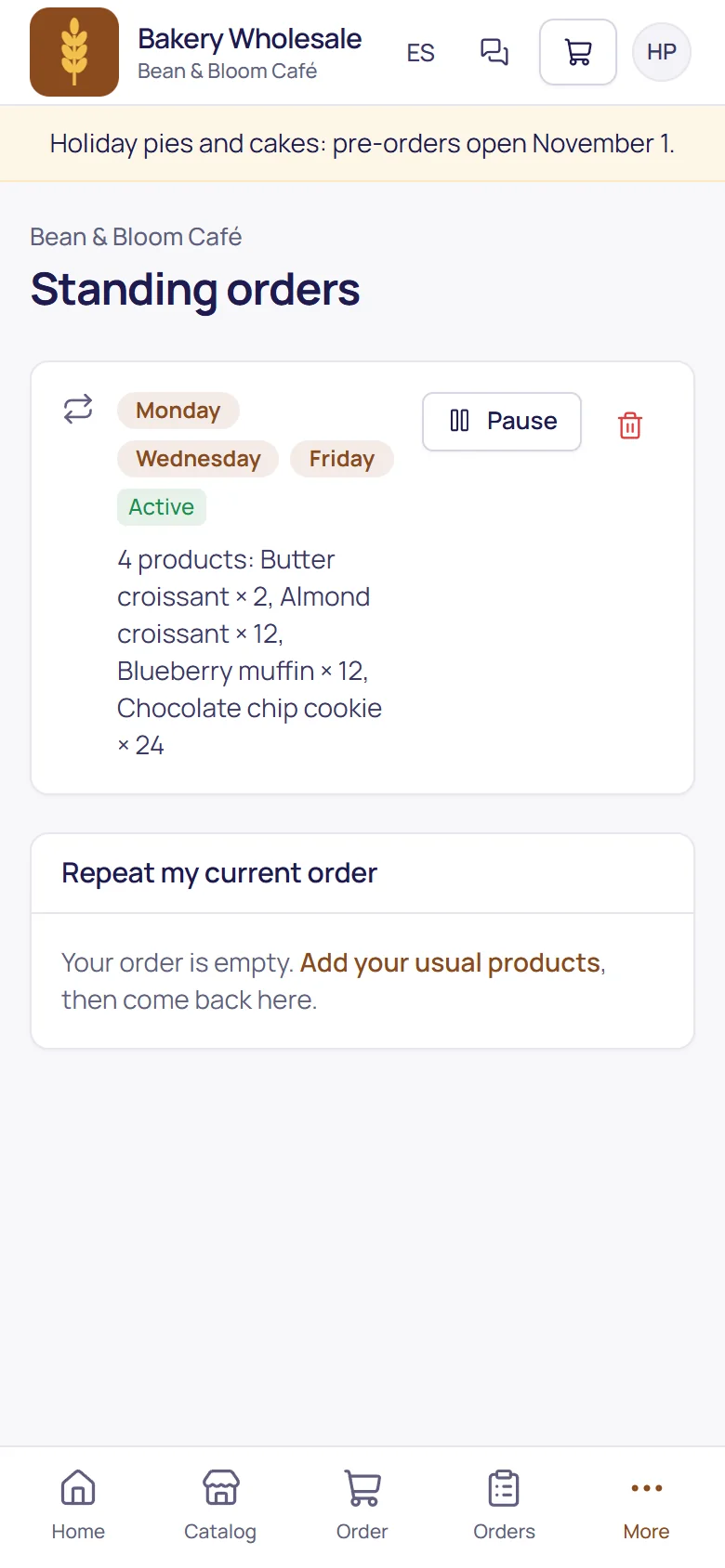
Customers save their usual order for the days they want it. On those mornings it's put in their cart with a reminder; they check it and send it. Your current deals are shown where they order and applied at checkout.
- Ready on the mornings they choose; nothing goes out on its own.
- Deals applied automatically when the order qualifies, with start and end dates set by you.
- Goes through your approvals like every other order.
Fewer calls to the office
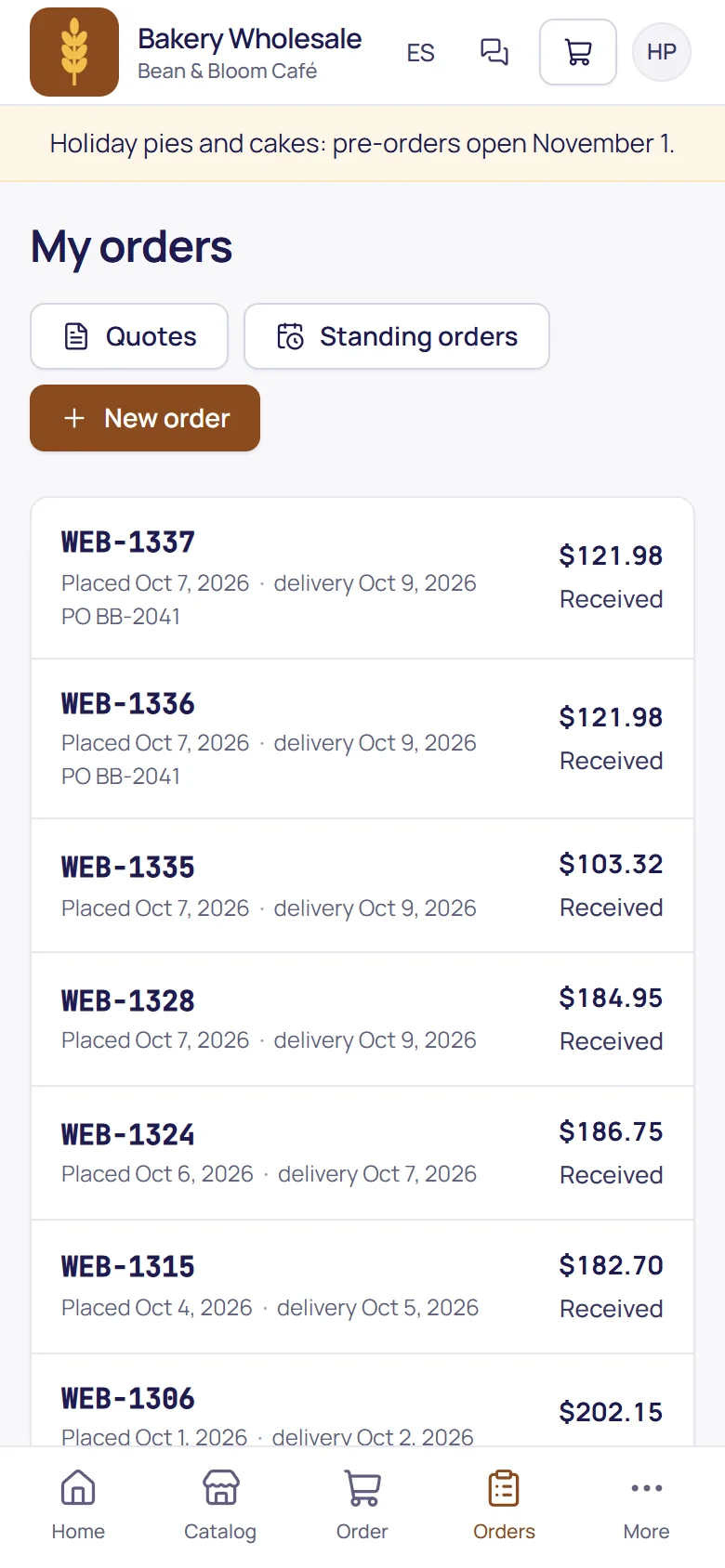
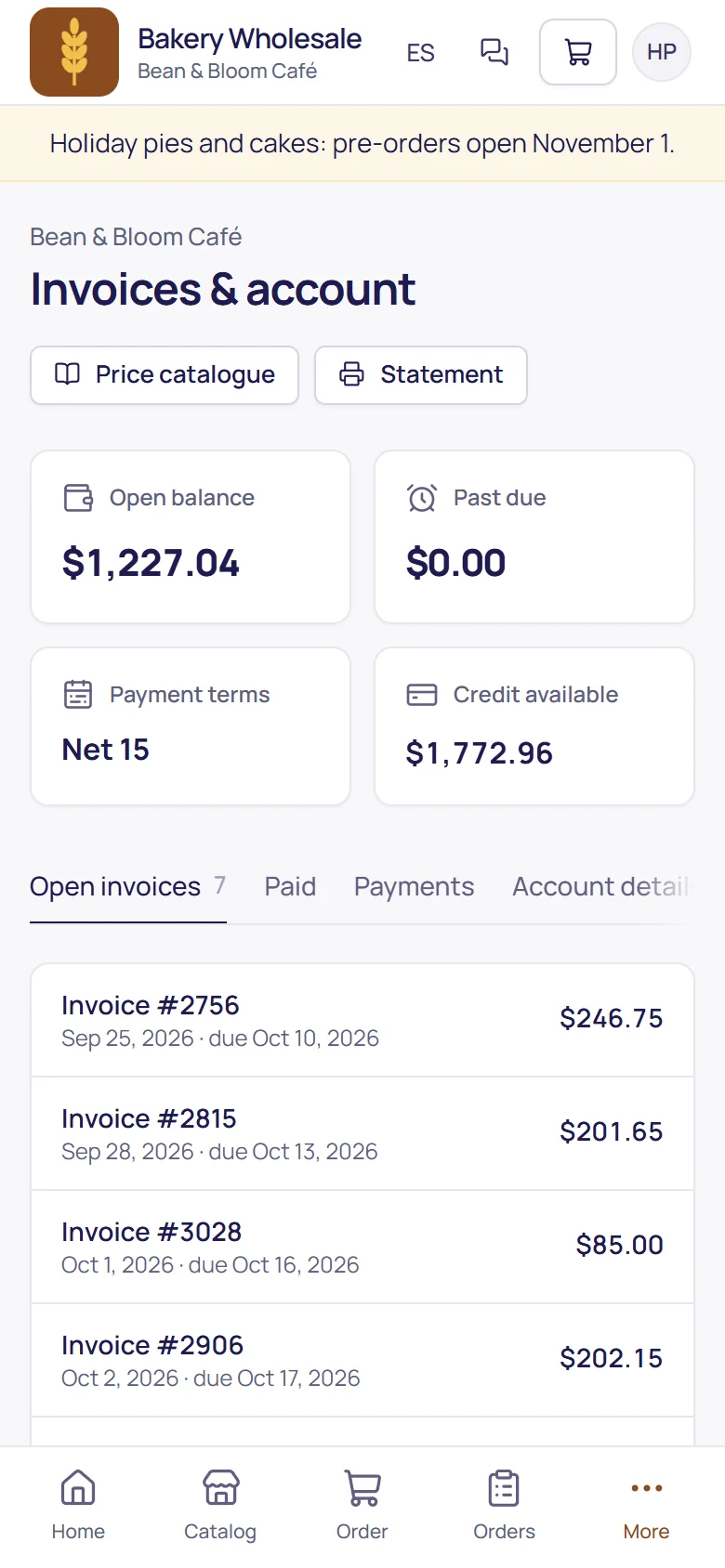
Every order's status, their invoices and balance, without picking up the phone. And when they do need you, there's a message box.
- Orders, invoices and the balance on their account page.
- Messages to your office, answered from TranzSuite.
- Shelf tags for the products they buy, at their prices, if you allow it.
The details that matter.
Your customers don't count as users.
Each buyer chooses their language.
New customers can apply for an account, with their documents.
Invite customers one by one or many at once; you review every e-mail before it's sent.
One page shows which customers order online and which haven't signed in yet.
Order updates on the customer's phone.