Invoices out, payments in, balances that add up.
Invoice from an order, a delivery or straight from scratch. Record payments in full or in part, apply deposits, send statements and reminders, and bill regular customers on a schedule. Every step posts to the books, so a customer's balance is always the ledger's balance.
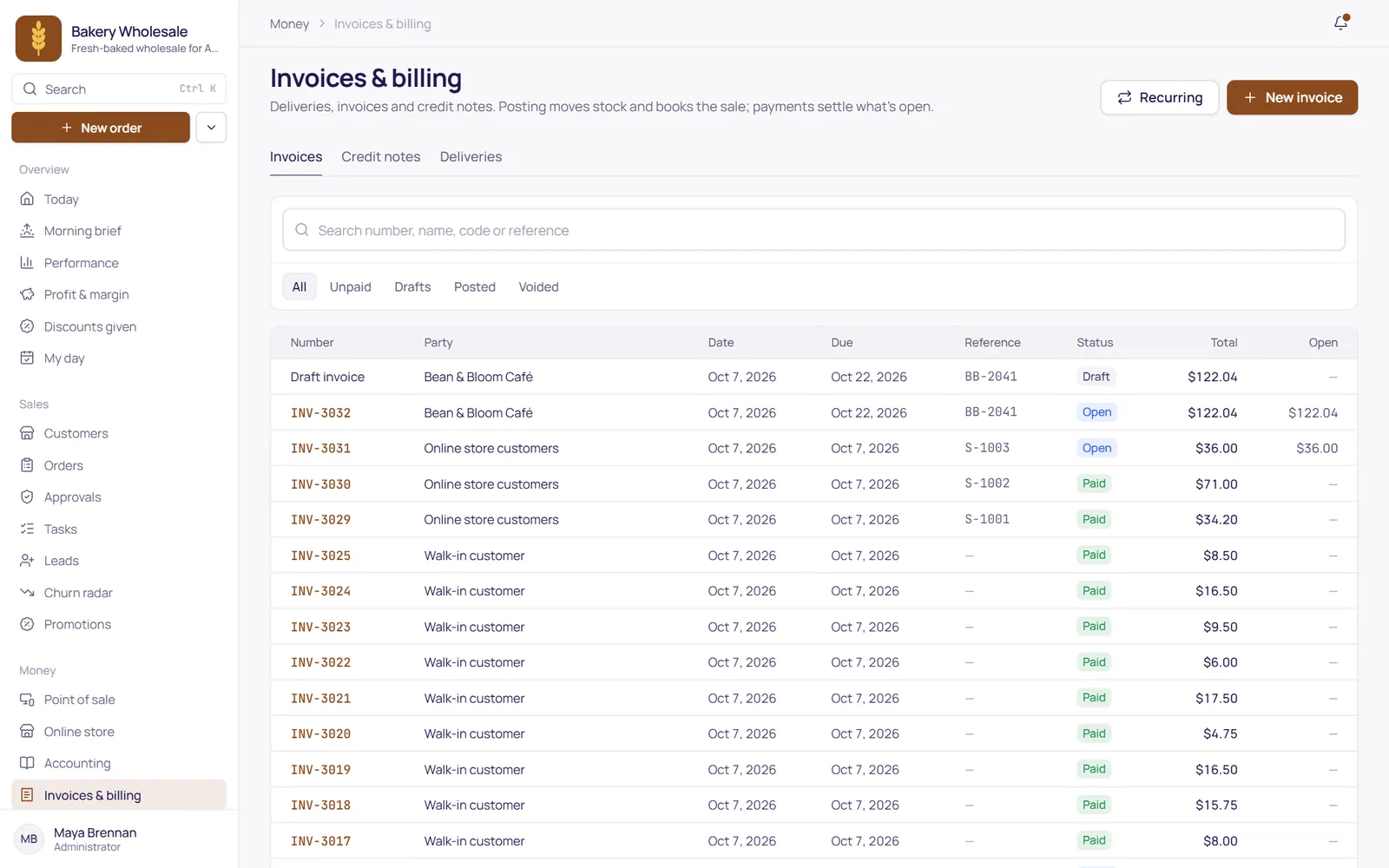
From the order to the invoice, without retyping
Copy an order or a delivery into an invoice with the quantities still to bill, or write a direct invoice for a counter sale or a job.
- Deliveries in full or in part: stock leaves at average cost, and you invoice what was delivered.
- Credit notes with returned goods back in stock at cost, applied to the invoice automatically.
- Print or save a PDF with your logo, and void an invoice by reversal while nothing has been paid on it.
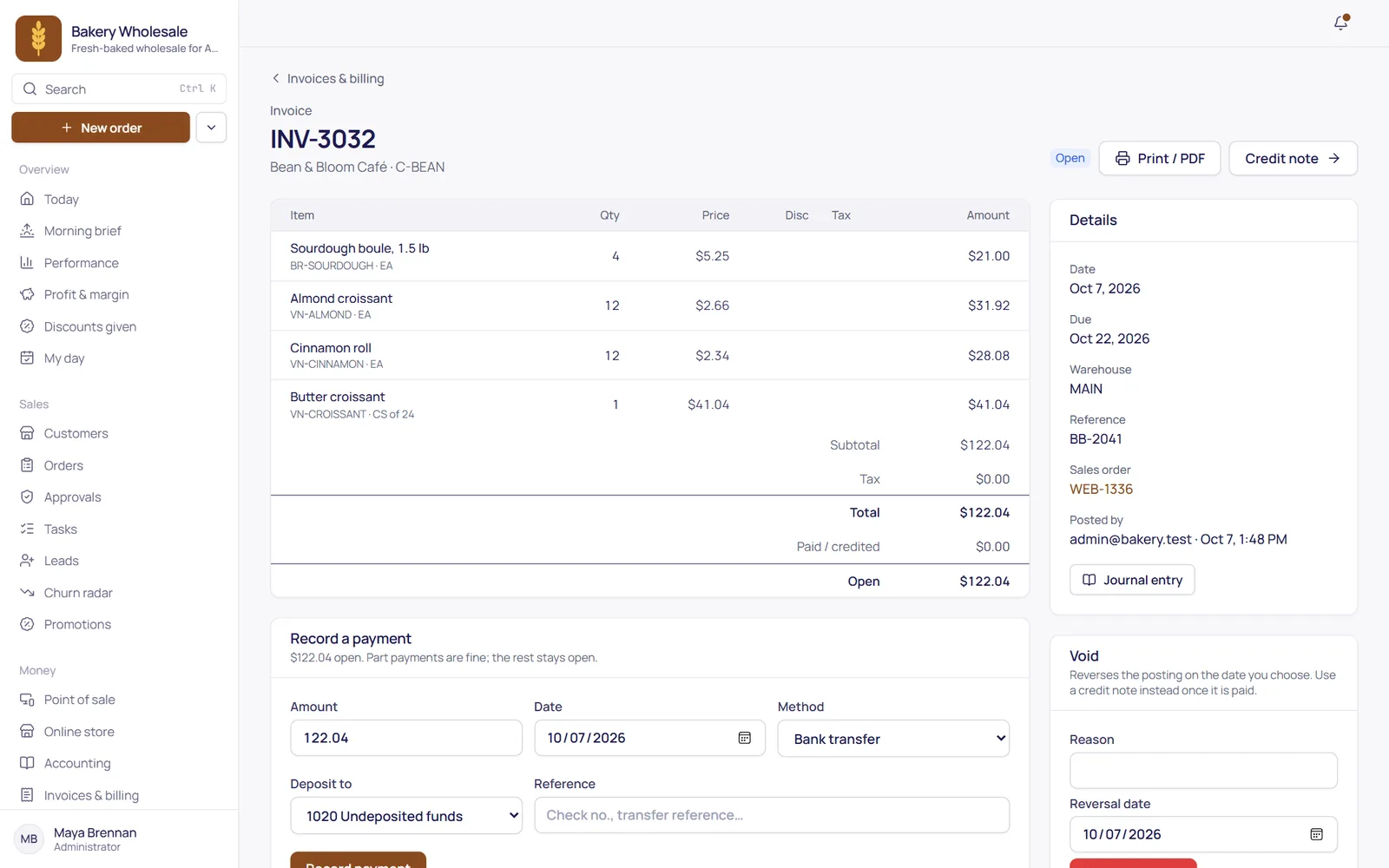
Paid in full, in part, or in advance
Record what came in and apply it to one invoice or several. Payment terms set the due date, so you can see what's late at a glance.
- Partial payments and refunds, with anything left over kept as credit on the account.
- Deposits and prepayments applied to a later invoice when it's issued.
- Payment terms: due on receipt or Net 15, 30 or 60, with due dates and aging that follow them.
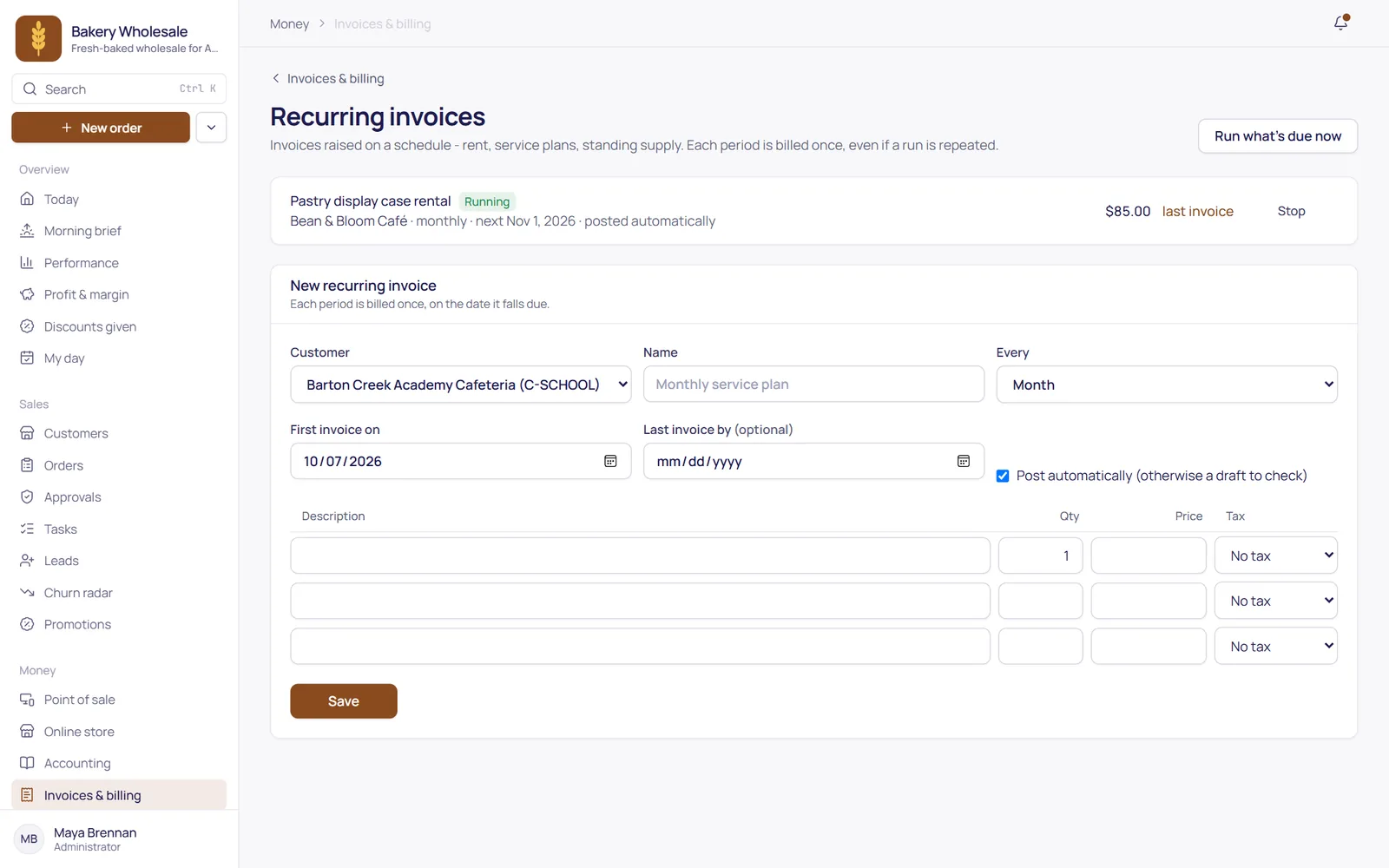
Regular customers, billed on schedule
Set up a monthly, quarterly or yearly invoice once. TranzSuite issues it on the day you chose, and each period is billed exactly once.
- Anchored to a day of the month: a bill on the 31st goes out on Feb 28, then Mar 31.
- Give a schedule an end date, or stop it whenever the arrangement changes.
- Useful for service businesses: maintenance contracts, rentals and retainers.
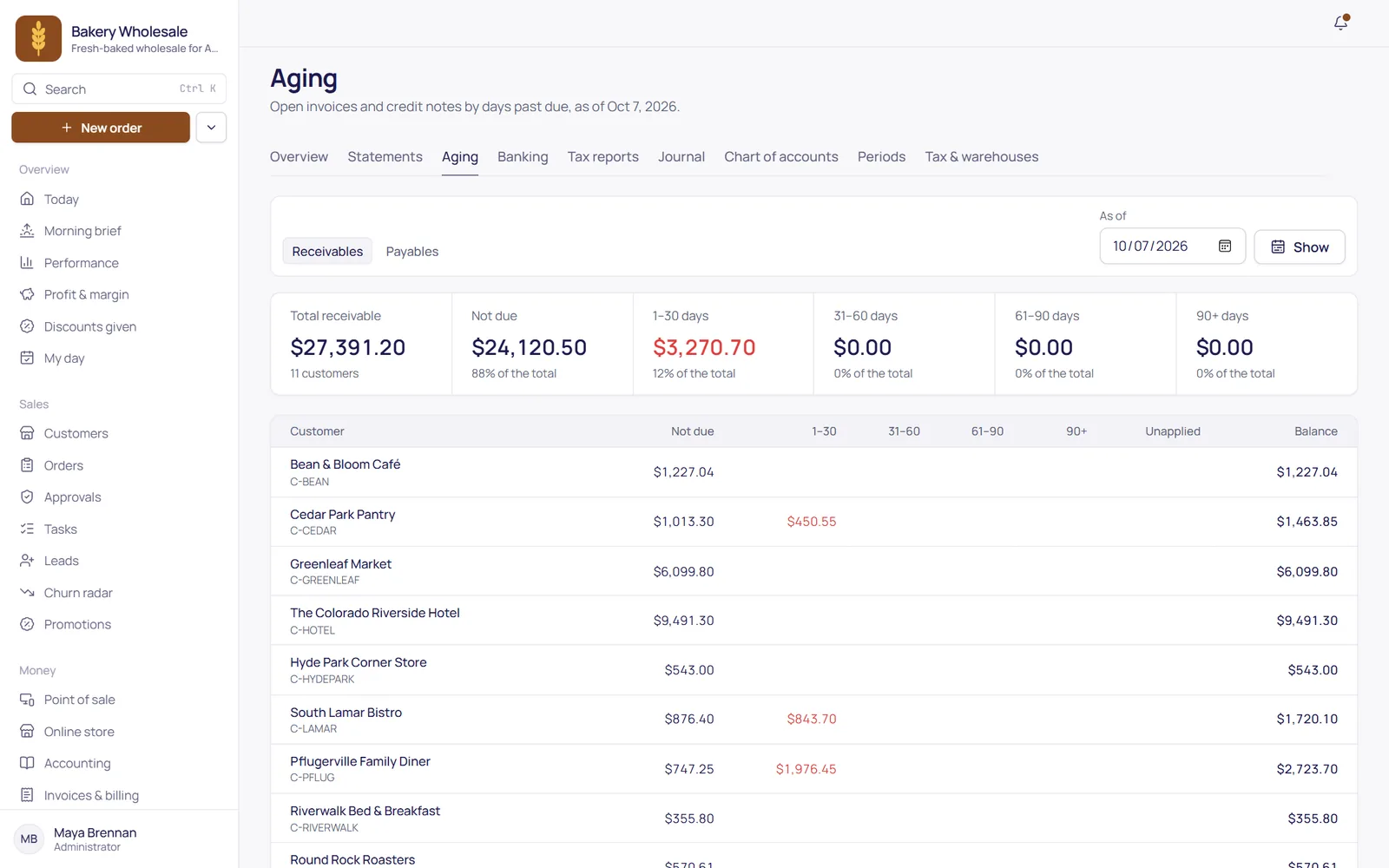
Fewer “what do we owe you?” calls
Customer statements with open invoices and what's overdue, payment reminders that go out by themselves, and supplier statements to check against your vendors.
- Customer statements printed or e-mailed, with open invoices and what's overdue.
- Payment reminders by e-mail, by your rules: how overdue, how much, and how often.
- Supplier statements with an opening balance, bills, credits and payments and a running balance.
The details that matter.
Every invoice, credit note and payment posts one journal entry, even if someone clicks twice.
Your B2B customers see their invoices and balance in the ordering portal.
Tax codes per line, with prices entered with or without tax.
Payments collected on the road by reps post to the books once.
Taken on your own card terminal through the point of sale.
Customers paying their invoices online by card. Until then, record checks, transfers and terminal payments as they arrive.