Stock you can trust, reordered on time.
Every receipt, delivery, return, adjustment and till sale is a stock movement, valued at moving average cost and posted to the books. Count the shelves, see what's running low and turn it into purchase orders in a few clicks.
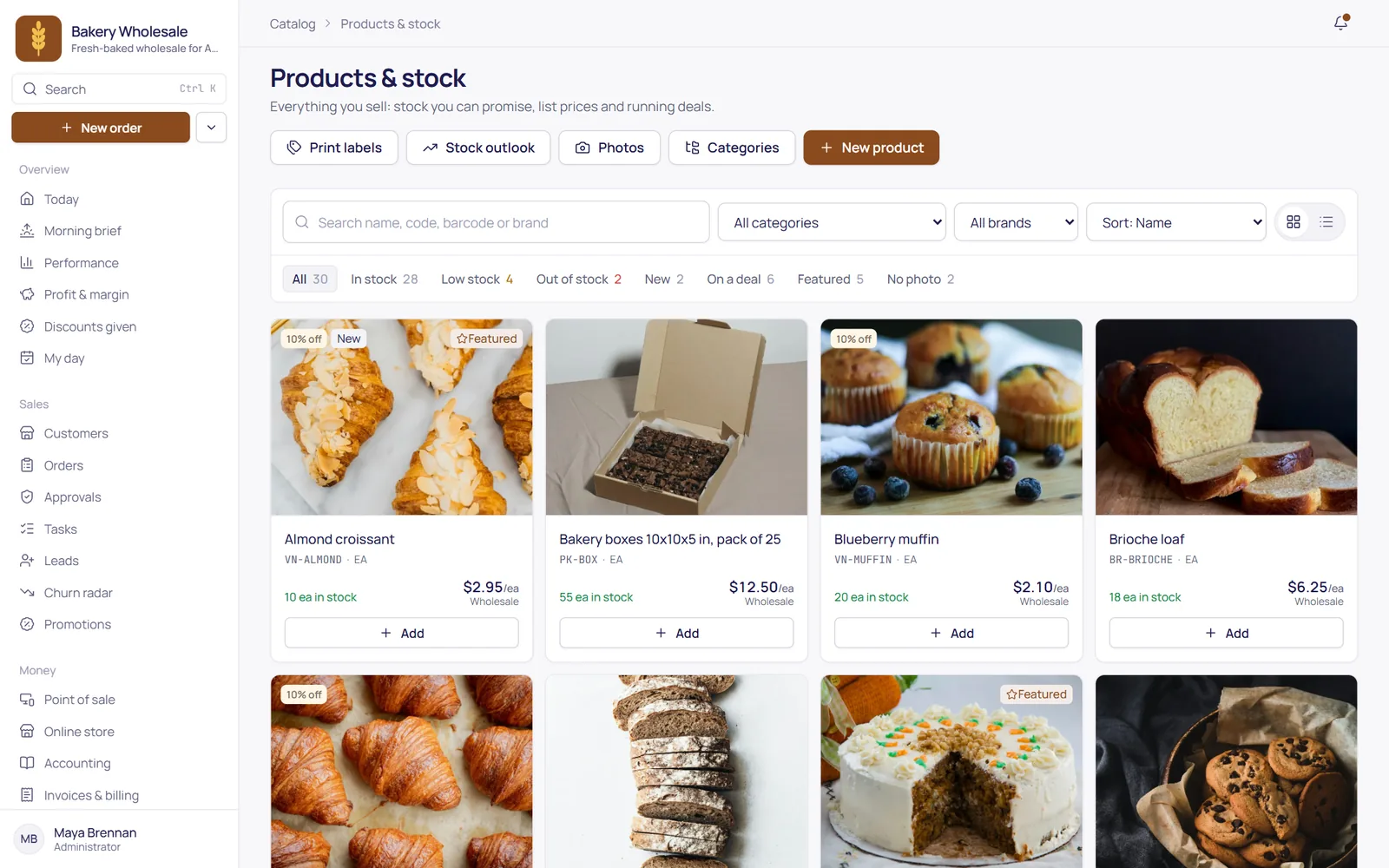
On hand, by warehouse, at average cost
Stock is kept per item and warehouse as a ledger of movements, so on-hand quantities and the inventory value on your balance sheet come from the same place.
- Moving weighted average cost updated with every receipt.
- No negative stock: a delivery or sale that would take an item below zero is refused.
- Stock movements can't be edited or deleted; mistakes are corrected with a new movement, so the history stays.
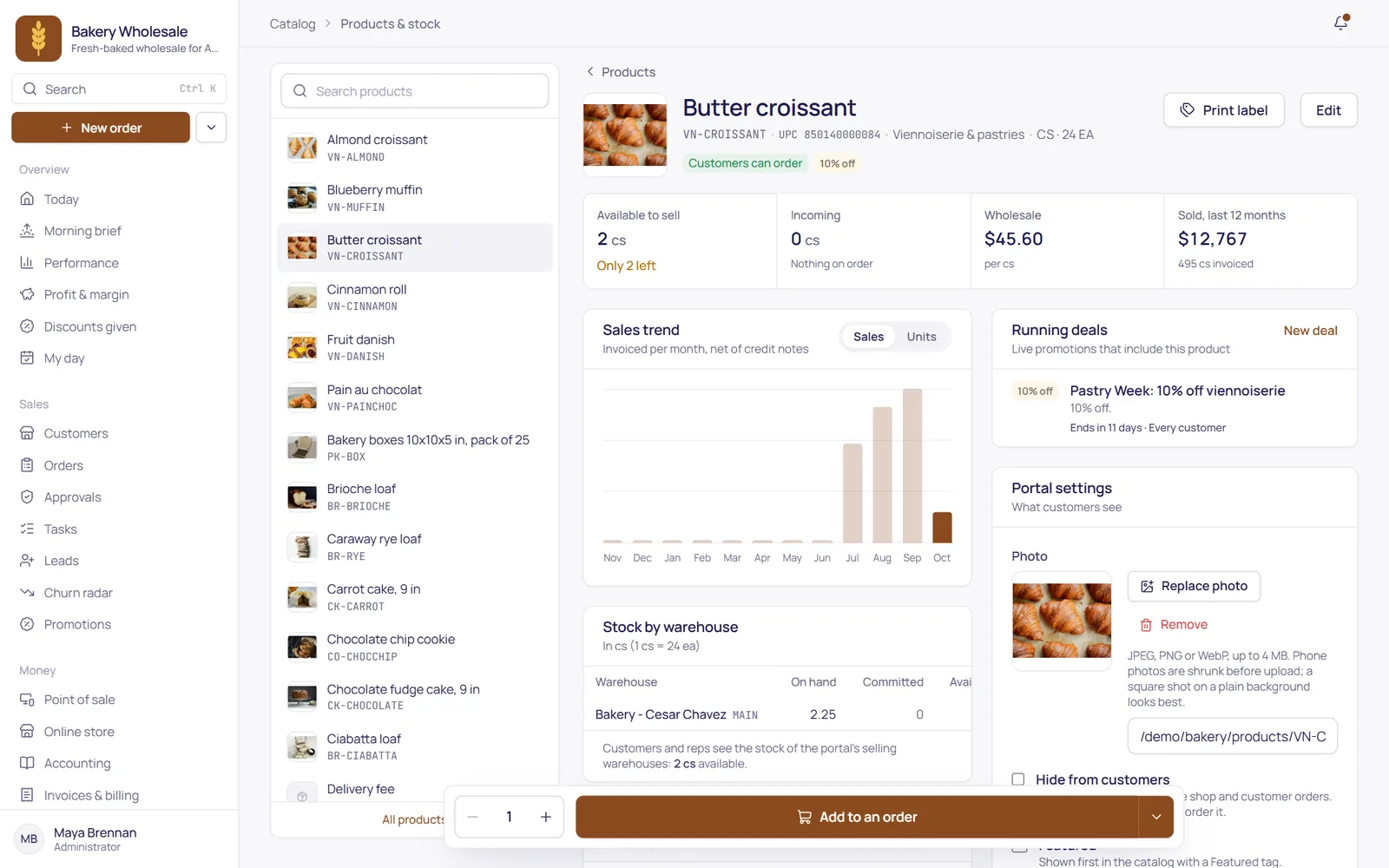
Fix the count, not the spreadsheet
Count a warehouse shelf by shelf. Only the differences are posted, as one stock adjustment.
- Stock counts per warehouse; a count that matches posts nothing.
- Adjustments for damaged, lost or found stock, posted to the books at cost.
- Warehouse transfers move quantity and value from one warehouse to another.
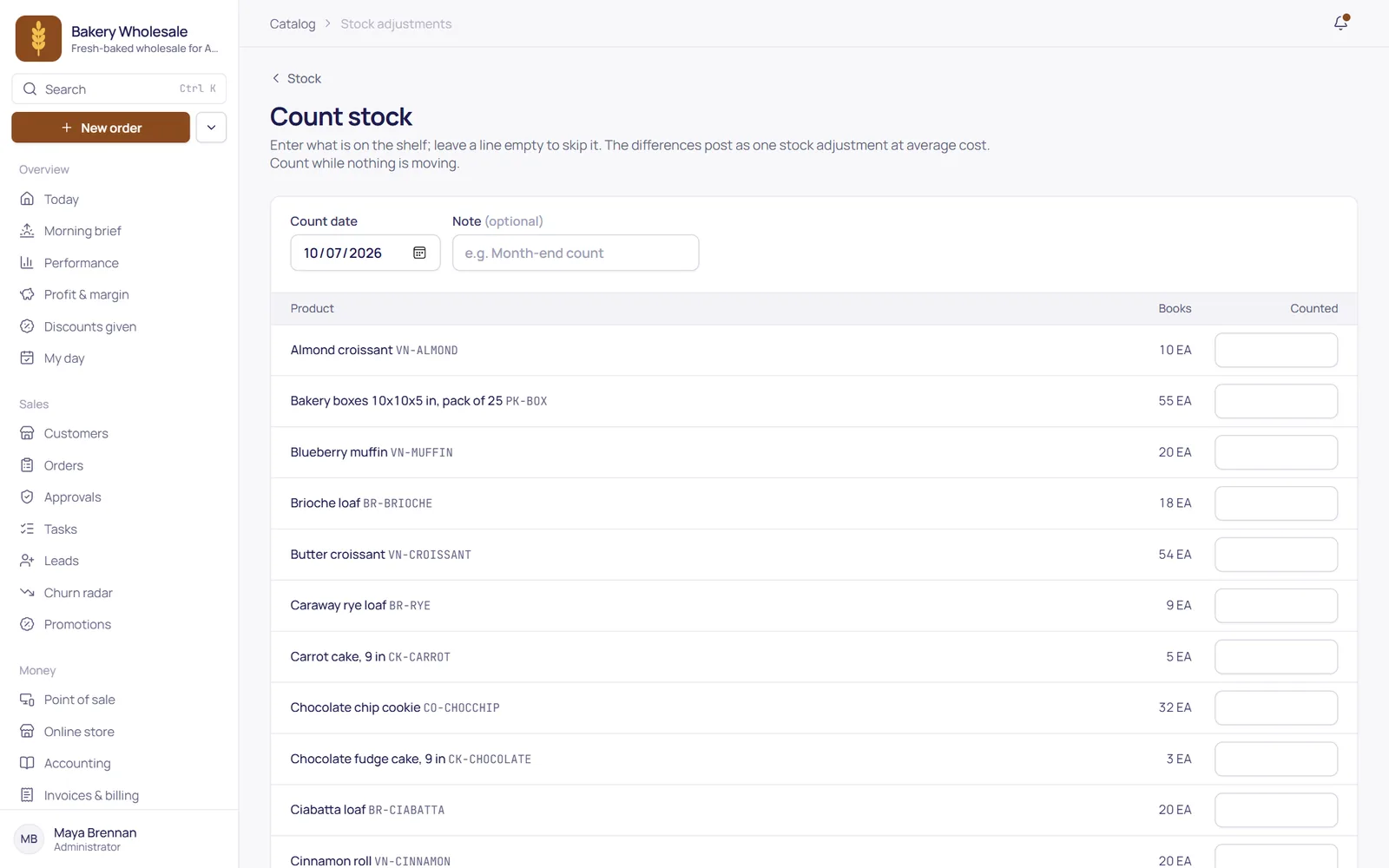
What to buy, before you run out
Give an item a reorder point, an order quantity and the vendor you buy it from. TranzSuite lists everything at or below its point, counting what's already on order.
- On hand plus open purchase orders is compared with each item's reorder point.
- One draft purchase order per vendor, for you to review before it's sent.
- Nothing is ordered on its own: you check every line first.
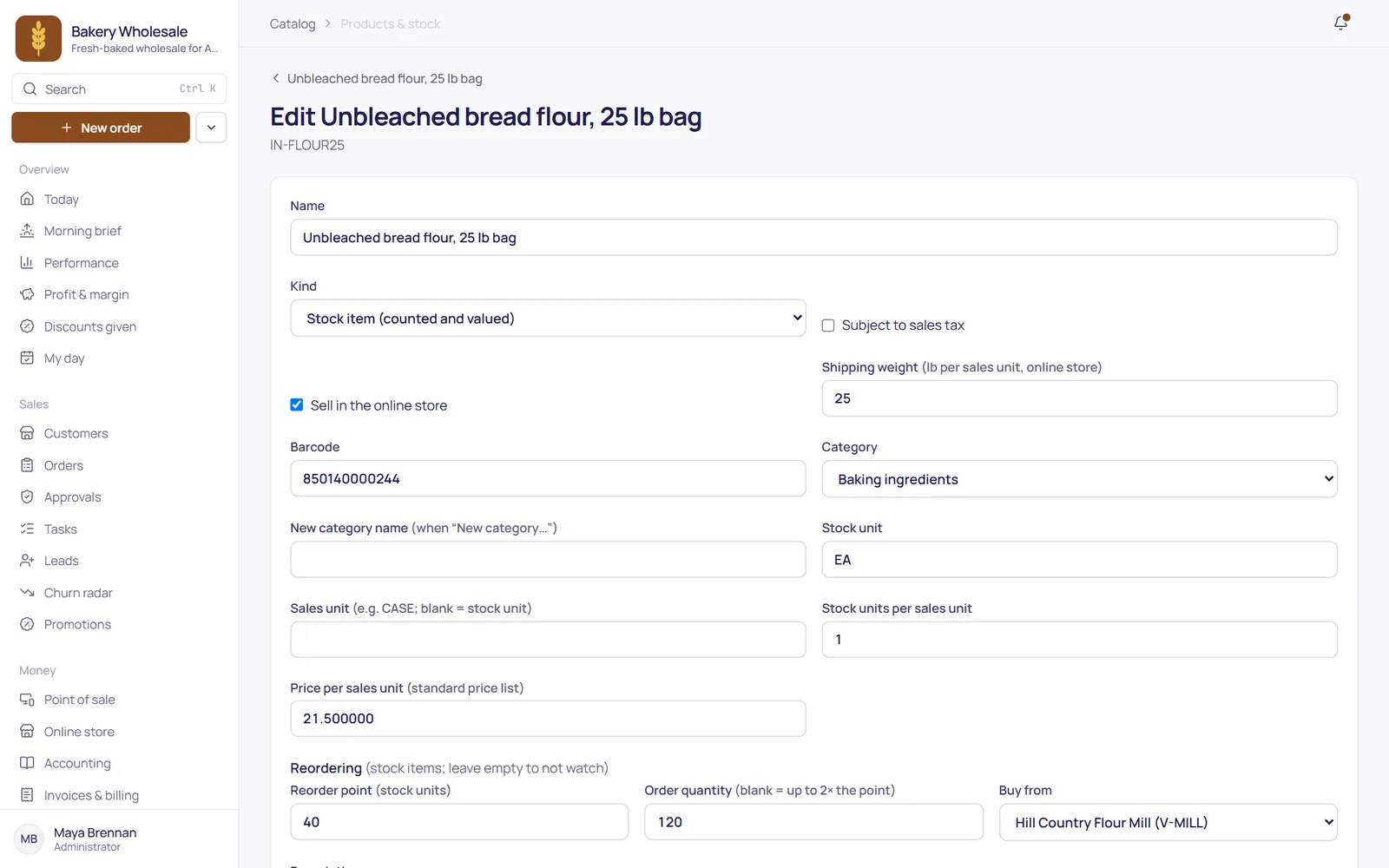
From purchase order to supplier payment
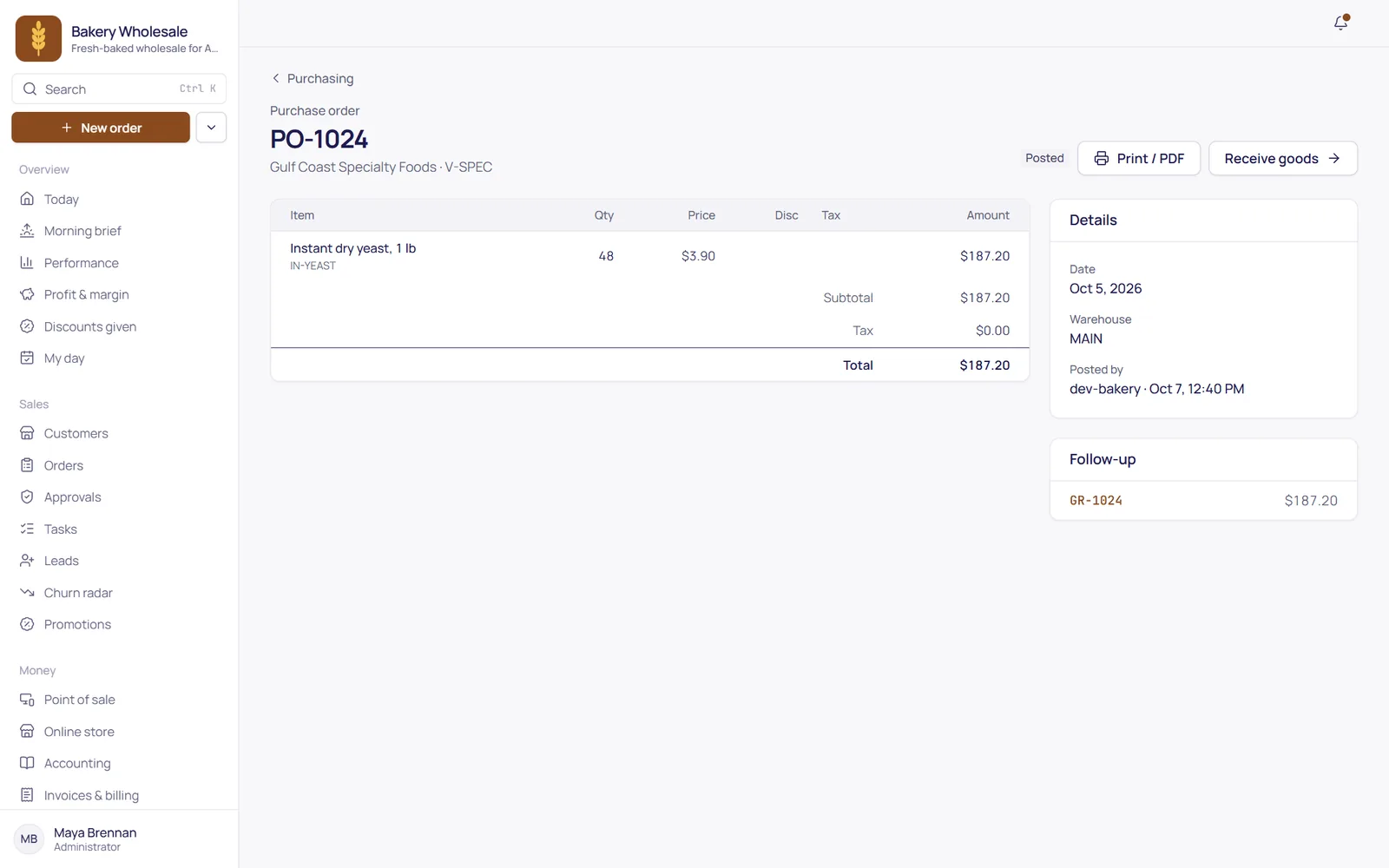
Order from a vendor, receive what arrives, enter the supplier's bill and pay it, each step copied from the one before.
- Goods receipts in full or in part; you can't receive more than was ordered.
- Supplier bills matched to what was received, with price differences posted, not hidden.
- The same supplier invoice number can't be entered twice for the same vendor.
The details that matter.
Stock, counts and transfers per warehouse.
The warehouse receives goods and counts stock without seeing the books.
A report of quantity and value per item, from the ledger.
Pay one bill or several, in full or in part.
Opening balance, bills, credits and payments, with a running balance.
Bring in your quantities and costs from a spreadsheet with the import center.
Shelf, bin and case labels with barcodes, printed from your items.
Counter sales take stock out of the store's warehouse as they happen.